
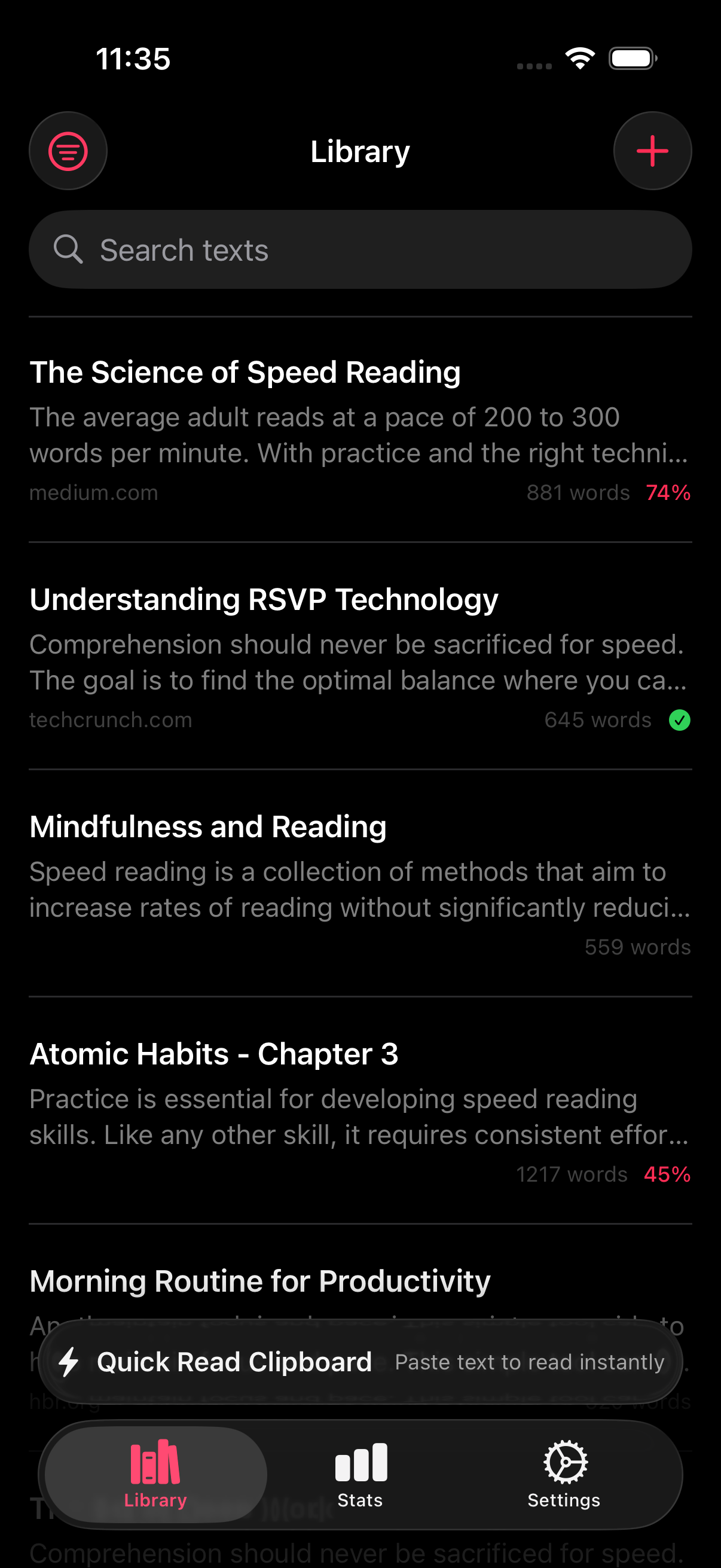
Siri Shortcuts reading app pages matter because fast reading does not start when the app opens. It starts a step earlier, when you decide what to read next and how to get there without friction. RSVP Reader already lives in that moment through App Intents, App Shortcuts, and Spotlight indexing. That means the app can surface reading actions, saved sessions, and shortcut-driven flows before someone taps around the library manually. Apple’s App Intents documentation makes the platform direction clear. Apps can expose actions to Siri, Shortcuts, Spotlight, and other system entry points. For a reading app, that turns “I should read this later” into a much shorter path.
Why a Siri Shortcuts reading app matters
Siri Shortcuts reading app searches usually come from people who already have too much to read. They are not looking for a novelty feature. They are looking for fewer taps between thought and action. A saved article lands in Safari. A copied block of text sits on the clipboard. A half-finished session is buried somewhere in a library. A shortcut or Spotlight result can turn that into a clean jump back into the reading flow.
Here is why this is worth its own feature page. Import and reading speed are easy to market because users see them right away. Discovery and automation matter just as much over time because they shape return visits. If the app is easy to re-enter, people read more often. If it is hard to find the next useful action, the app becomes another forgotten icon.
Apple describes App Intents as the system for expressing app capabilities, and AppShortcutsProvider as the way apps expose preconfigured shortcuts. Apple’s support guide for Spotlight Search on iPhone shows the user side of that same story. Search is where people expect quick access. A Siri Shortcuts reading app should meet them there.
What automation looks like in a reading workflow
Let’s break it down. Automation inside a reading app is not about building a giant personal operating system. It is about shortening repeated actions.
The first repeated action is importing text. A link is copied. A URL is shared. A document is waiting. The second repeated action is resuming. Readers want to get back to what they were reading without scanning a crowded library. The third repeated action is state changes. Open the app at a certain pace, jump into a mode, or surface something the user has read recently.
A Siri Shortcuts reading app helps with all three. Instead of asking users to rebuild the same path each day, the app can expose reading actions directly to the system. That matters a lot for people with article backlogs, students saving course reading, and professionals grabbing reports between meetings.
App Intents make actions discoverable
Apple’s App Intents docs explain the idea clearly. Apps define actions and data the system can understand, then the system can surface those actions in places like Siri and Shortcuts. For RSVP Reader, that means actions such as opening a saved session, starting a read from a URL, working with clipboard text, or returning to a recent item can become more visible.
That visibility changes how the app feels. People do not always think “open RSVP Reader.” They think “read this link,” “pick up that PDF,” or “get back to the book I started last night.” A Siri Shortcuts reading app succeeds when the action sits closer to that real thought.
Next steps. If the user wants the hands-on flow, this page should send them to use Shortcuts and Spotlight. If the user is still deciding whether the idea matters, show how it connects to import from URL or clipboard and import anywhere.
Spotlight matters because memory is unreliable
Spotlight is easy to underestimate until a library grows. Once a reader has imported articles, scanned text, PDFs, and EPUBs, browsing is not always the fastest path back in. Apple’s support page on using Spotlight Search shows why search becomes so central on iPhone. It is where users already go to open apps, find content, and jump into actions.
For a Siri Shortcuts reading app, Spotlight is not just search. It is re-entry. The app can make a session, a title, or a recent reading target easier to find from the system search field instead of forcing readers to remember where they left it. That is especially useful for long-form reading. A person may remember the title, a topic, or part of the source, but not the path they took to import it.
This also helps keep the app feeling smaller in a good way. A growing library does not have to feel cluttered if retrieval stays fast.
Shortcuts fit saved reading habits
Shortcuts work best when they line up with something users already do. In a reading app, that usually means one of a few patterns.
A reader wants to take the current clipboard text and open it in RSVP Reader. A reader wants to start a URL import without tapping through the app first. A reader wants to jump back into a recent session from search or Siri. A reader wants to stitch reading into another workflow, like a writing routine or a saved-article habit.
That is why this page should keep the language concrete. A Siri Shortcuts reading app does not need vague automation talk. It should say what the reader gets. Faster entry. Less hunting. Cleaner handoff from one app to another. More repeatable reading routines.
Discovery features help the right users most
Not every feature matters equally to every reader. Discovery and automation help heavy readers first. Students with a queue of assigned reading get value because they can jump back in quickly. Busy professionals get value because they often collect links during the day and read in short bursts. Readers using the app to manage a backlog get value because search and shortcuts reduce the cost of resuming.
That is why this page should connect strongly with reading for busy professionals. The person who clips, copies, and postpones articles all day is often the same person who benefits most from a Siri Shortcuts reading app. Automation shortens the gap between capture and reading.
Automation should feel optional, not required
A common mistake on feature pages like this is to make shortcuts sound like homework. That is the wrong frame. Most readers will never build a complicated automation stack, and they do not need to. A Siri Shortcuts reading app should feel good even if the only thing a user does is find a recent reading item in Spotlight or tap a suggested shortcut.
Apple’s docs help here because they frame the system as discoverable actions, not as a demand that every user become a power user. That is the right tone for RSVP Reader too. The app can work as a straightforward reading tool on day one. Then shortcuts and search can make it faster to come back on day seven and day thirty.
Automation and privacy can work together
Discovery features often raise a quiet trust question. If the system is surfacing reading items, what is being stored and where? That is one reason this page should connect to privacy and sync and privacy, permissions, and iCloud sync. Readers need to know that system-level discovery features and a focused reading workflow can still live inside a narrow product.
Apple’s documentation around App Intents and Spotlight is useful because it sets the platform model. Apps expose actions and searchable items to the system so people can find and run them more easily. That should be explained as a user convenience, not as a hidden social layer or advertising system.
The best automation supports real reading actions
Here is the practical test for this feature. If the automation does not save time in a normal week of reading, it is just decoration. Good reading automation supports moments people hit often.
One, “I copied this. Open it in RSVP Reader.” Two, “I saved something yesterday. Take me back to it.” Three, “I know the title or topic. Let Spotlight surface it.” Four, “I want to start reading without stepping through the whole library first.” Those are useful actions. That is where a Siri Shortcuts reading app earns space on the homepage and in the feature list.
Next steps
If this feature is part of your buying decision, go straight to use Shortcuts and Spotlight. If your real need is faster import, see import from URL or clipboard. If your reading workload is mostly articles and saved links from work, read reading for busy professionals. A Siri Shortcuts reading app works best when it quietly removes taps from the reading path without asking the reader to change how they already think.
Sources
App intents | Apple Developer Documentation | Publication date not listed | https://developer.apple.com/documentation/AppIntents/app-intents AppShortcutsProvider | Apple Developer Documentation | Publication date not listed | https://developer.apple.com/documentation/appintents/appshortcutsprovider Use Spotlight Search on your iPhone, iPad, or iPod touch | Apple Support | March 18, 2025 | https://support.apple.com/en-us/ht201285 RSVP Reader: Speed Reading App | Apple App Store | April 1, 2026 | https://apps.apple.com/us/app/rsvp-reader-speed-reading/id6757968737